
Chat stays nearby.
Share a link, a thought, or a bit of code with the computers on your local network.
Download Local Chat
Free. Open source. No account needed.
For macOS, Windows, and Linux.
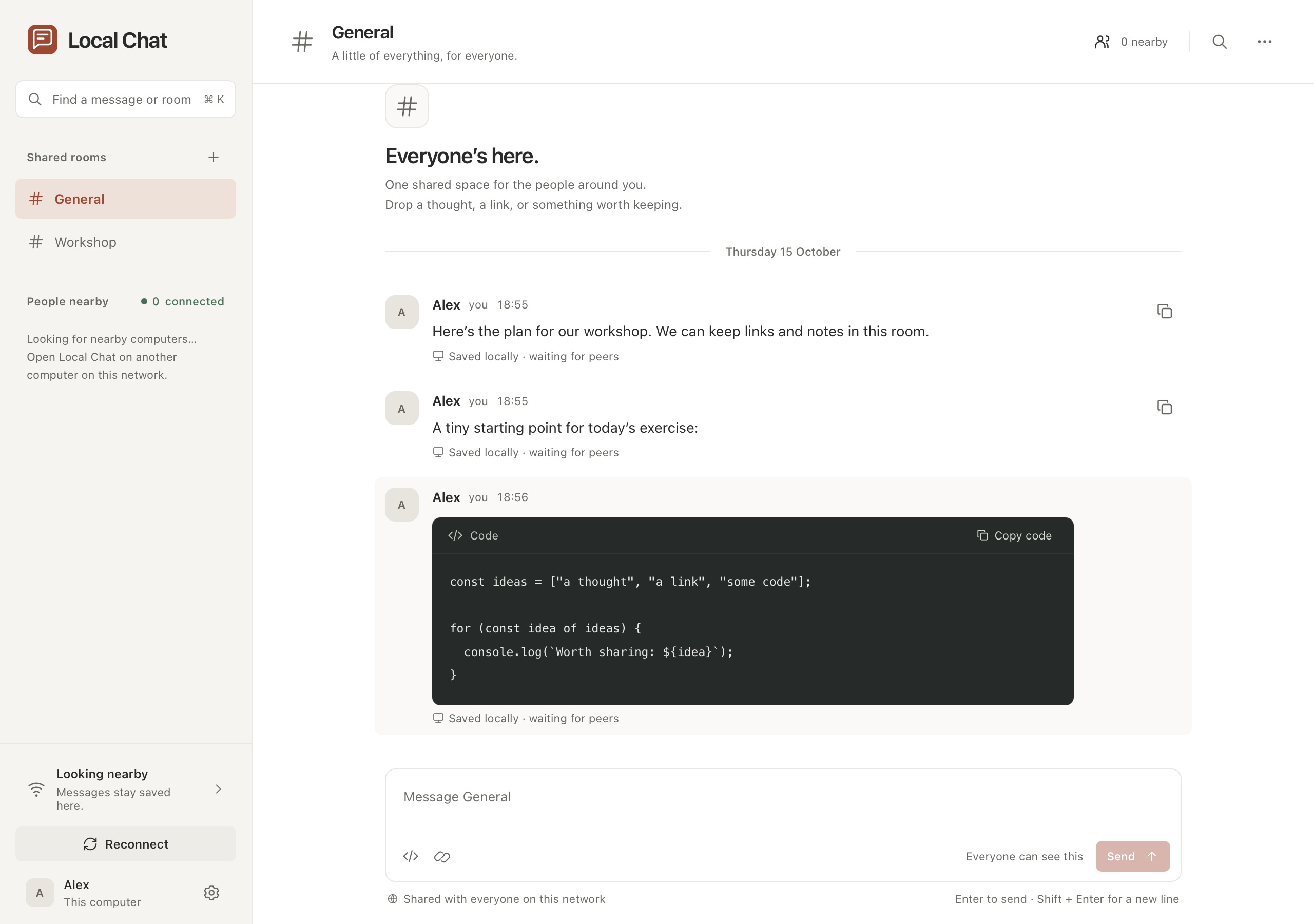
An example conversation. Try copying the code.
Already in the same room?
Keep the conversation there, too. Local Chat finds other running copies on your network and connects them directly. There’s no server to set up and no invite link to pass around.
A familiar place to talk.
Small things,
worth getting right.
Read the getting started guide
A room for the topic. Start in General or create a named room. Every room on the current network is open to everyone using Local Chat there.
Copy it exactly. Send plain text, links, or code. Copy a snippet without losing its spacing, then find it again with local message search.
Pick up where you left off. History and drafts stay on your computer. When peers reconnect, they catch up on missing messages.
Keep old networks separate. Conversations from a previous network stay readable locally. The app keeps them out of a new network’s conversation.
No internet in the loop.
After installation, nearby chat works without an internet connection. Your messages travel between the computers on your local network.
Website visits, downloads, and optional update checks use the internet. Rooms are public to the local network, so use Local Chat with people and networks you trust.
How Local Chat handles your dataBefore you open it.
Do we need the same Wi-Fi?
You need the same local network. Wi-Fi and Ethernet can work together. Guest networks, VPNs, and router isolation can prevent computers from finding each other.
Can I use it with someone far away?
Local Chat is built for nearby computers. It does not have a cloud relay or an internet messaging service.
Are the rooms private?
No. Everyone running Local Chat on the current network can see the rooms and their messages. Connections are encrypted, but nearby discovery does not verify a person’s real identity.
What happens when I close the window?
The app keeps receiving in the background. Choose Quit from the app menu to stop it. Your saved conversations remain on the computer.
Open it.
Say something.
Get Local Chat onto the computers around you.
Download Local Chat